Chapter 37 MS PowerPoint English + Hindi

PowerPoint Transitions

पावरपॉइंट ट्रांजिशन्स

PowerPoint Transitions

पावरपॉइंट ट्रांजिशन्स

Transitions are effects that appear when one slide changes to another during a slide show. This chapter connects the topic with classroom explanation, real examples, and hands-on practice.

Transitions वो effects हैं जो slide show में एक slide से दूसरी slide पर जाते समय दिखाई देते हैं. इस chapter में topic को classroom explanation, real examples और hands-on practice से समझाया गया है.
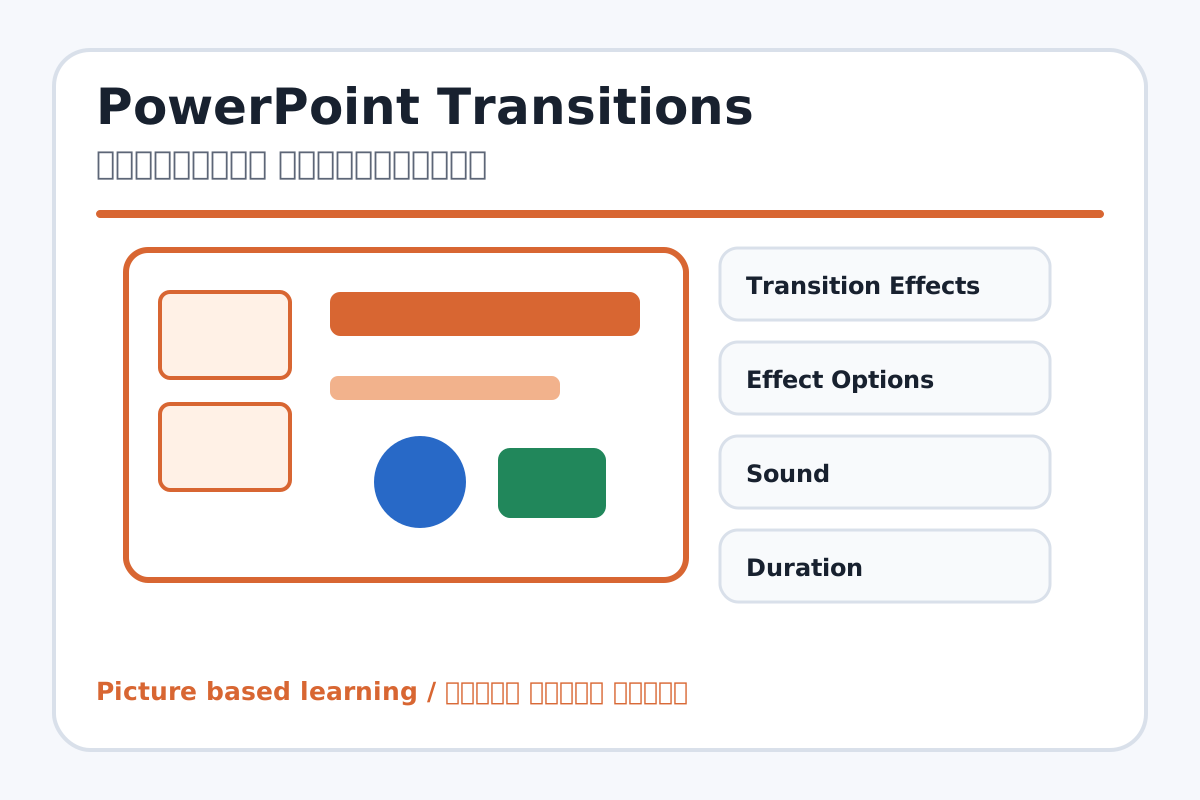
PowerPoint Transitions topic visual / पावरपॉइंट ट्रांजिशन्स चित्र
Chapter image shows the exact topic parts for visual learning. / Chapter image में topic के parts साफ दिखाए गए हैं.

Tool Heading & Description / टूल शीर्षक और विवरण

Transition Effects

Transition Effects helps create, design, animate, or present slides in PowerPoint.

Transition Effects PowerPoint में slides create, design, animate या present करने में help करता है.

Effect Options

Effect Options is a main point of PowerPoint Transitions and should be understood before practical work.

Effect Options PowerPoint Transitions ka main point hai; practical se pehle iska meaning samajhna zaroori hai.

Sound

Sound is a main point of PowerPoint Transitions and should be understood before practical work.

Sound PowerPoint Transitions ka main point hai; practical se pehle iska meaning samajhna zaroori hai.

Duration

Duration is a main point of PowerPoint Transitions and should be understood before practical work.

Duration PowerPoint Transitions ka main point hai; practical se pehle iska meaning samajhna zaroori hai.

Apply to All

Apply to All is a main point of PowerPoint Transitions and should be understood before practical work.

Apply to All PowerPoint Transitions ka main point hai; practical se pehle iska meaning samajhna zaroori hai.

Learning Objectives / सीखने के लक्ष्य

  • Apply transition effects to slides.
  • Set effect options, sound, duration, and Apply to All.
  • Use transitions professionally without overuse.

Theory / Meaning / अर्थ

English MeaningTransitions are effects that appear when one slide changes to another during a slide show.

Hindi MeaningTransitions वो effects हैं जो slide show में एक slide से दूसरी slide पर जाते समय दिखाई देते हैं.

Uses / उपयोग

  • Making slide change smooth.
  • Creating interest in presentation.
  • Controlling slide change timing.

Step-by-Step Teaching / पढ़ाने के स्टेप्स

  1. Select a slide and open Transitions tab.
  2. Choose a simple transition like Fade or Push.
  3. Use Preview to see the effect.
  4. Set Duration to control speed.
  5. Use Apply to All for same transition on all slides.
  6. Avoid loud sounds unless required.

Teacher Explanation Notes / शिक्षक नोट्स

  • Teach clean transition use; too many effects distract the audience.
  • Let students compare fast and slow duration.

Practical Work / प्रैक्टिकल कार्य

  • Make 5 slides and apply different transitions.
  • Then use Apply to All with one clean transition.

Homework / गृहकार्य

  • Write five transition names and their uses.
  • Practice presenting slides with transition timing.

Short Test Questions / छोटे टेस्ट प्रश्न

  1. What is transition?
  2. What does Duration control?
  3. What is Apply to All?
  4. What is Preview?
  5. Why avoid too many transitions?

Viva Questions / मौखिक प्रश्न

  1. Transition slide par lagta hai ya text par?
  2. Effect Options kya badalta hai?
  3. Sound use karna hamesha zaroori hai?

Real Image + Image Prompt / वास्तविक चित्र + इमेज प्रॉम्प्ट

PowerPoint Transitions educational image / पावरपॉइंट ट्रांजिशन्स educational image
Suggested file: ppt-animation-transition.jpg | सुझाया गया file name: ppt-animation-transition.jpg

Create an educational PowerPoint transitions image showing slide-to-slide effects, Transition Effects, Effect Options, Sound, Duration, Apply to All, and Preview with Hindi and English labels.