Chapter 30 MS Excel English + Hindi

Excel Charts

एक्सेल चार्ट्स

Excel Charts

एक्सेल चार्ट्स

Charts show data visually using columns, bars, lines, pies, and other graph types. This chapter connects the topic with classroom explanation, real examples, and hands-on practice.

Charts data को columns, bars, lines, pies और other graph types से visually दिखाते हैं. इस chapter में topic को classroom explanation, real examples और hands-on practice से समझाया गया है.
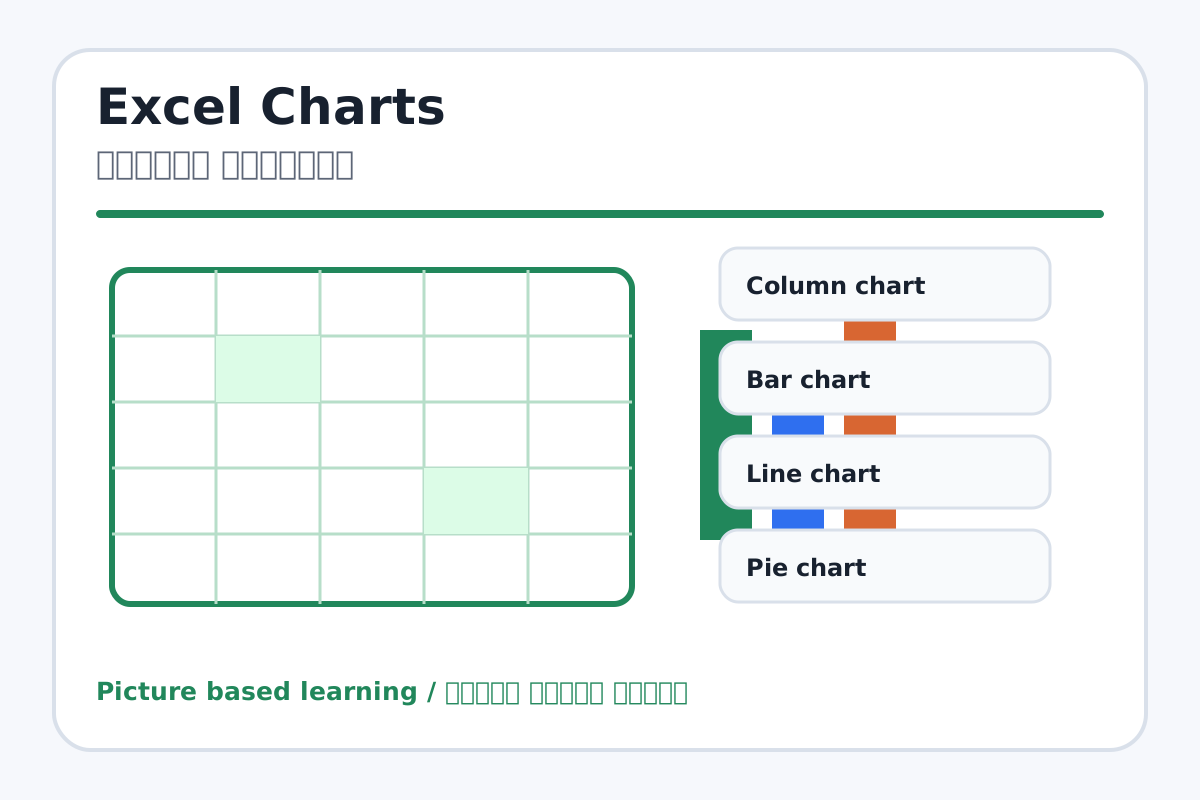
Excel Charts topic visual / एक्सेल चार्ट्स चित्र
Chapter image shows the exact topic parts for visual learning. / Chapter image में topic के parts साफ दिखाए गए हैं.

Tool Heading & Description / टूल शीर्षक और विवरण

Column chart

Column chart is used to enter, calculate, arrange, format, or present data in Excel.

Column chart Excel में data enter, calculate, arrange, format या present करने में use होता है.

Bar chart

Bar chart is used to enter, calculate, arrange, format, or present data in Excel.

Bar chart Excel में data enter, calculate, arrange, format या present करने में use होता है.

Line chart

Line chart is used for drawing, coloring, editing, or designing in MS Paint.

Line chart MS Paint में drawing, coloring, editing या designing के लिए use होता है.

Pie chart

Pie chart is used to enter, calculate, arrange, format, or present data in Excel.

Pie chart Excel में data enter, calculate, arrange, format या present करने में use होता है.

Chart title

Chart title controls paragraph layout, lists, spacing, borders, or document styles.

Chart title paragraph layout, list, spacing, border या document style control करता है.

Learning Objectives / सीखने के लक्ष्य

  • Create a chart from selected data.
  • Choose a suitable chart type.
  • Add chart title and understand chart elements.

Theory / Meaning / अर्थ

English MeaningCharts show data visually using columns, bars, lines, pies, and other graph types.

Hindi MeaningCharts data को columns, bars, lines, pies और other graph types से visually दिखाते हैं.

Uses / उपयोग

  • Comparing marks between students.
  • Showing monthly expenses.
  • Presenting sales, attendance, or stock data.

Step-by-Step Teaching / पढ़ाने के स्टेप्स

  1. Enter names and marks in two columns.
  2. Select the data range.
  3. Go to Insert and choose Column Chart.
  4. Add or edit chart title.
  5. Try Bar, Line, and Pie chart types.
  6. Move and resize the chart neatly.

Teacher Explanation Notes / शिक्षक नोट्स

  • Use numeric data with labels; charts need clear data selection.
  • Explain that pie chart is best for parts of a whole.

Practical Work / प्रैक्टिकल कार्य

  • Create a chart from marks of five students.
  • Add title: Student Marks Chart and apply a clean style.

Homework / गृहकार्य

  • Draw a column chart example in notebook.
  • Write the names of four chart types.

Short Test Questions / छोटे टेस्ट प्रश्न

  1. What is Chart?
  2. Which chart compares marks well?
  3. What is chart title?
  4. What is legend?
  5. What is pie chart used for?

Viva Questions / मौखिक प्रश्न

  1. Chart banane se pehle kya select karte hain?
  2. Axis kya show karta hai?
  3. Line chart kab useful hota hai?

Real Image + Image Prompt / वास्तविक चित्र + इमेज प्रॉम्प्ट

Excel Charts educational image / एक्सेल चार्ट्स educational image
Suggested file: excel-chart-example.jpg | सुझाया गया file name: excel-chart-example.jpg

Create a bright educational Excel chart example showing names and marks table plus column, line, and pie chart examples with labels for chart title, axis, legend, and data labels in Hindi and English.