Chapter 04 MS Paint English + Hindi

MS Paint Introduction

एम.एस. पेंट परिचय

MS Paint Introduction

एम.एस. पेंट परिचय

MS Paint is a simple drawing and basic image editing software. This chapter connects the topic with classroom explanation, real examples, and hands-on practice.

MS Paint एक आसान drawing और basic image editing software है. इस chapter में topic को classroom explanation, real examples और hands-on practice से समझाया गया है.
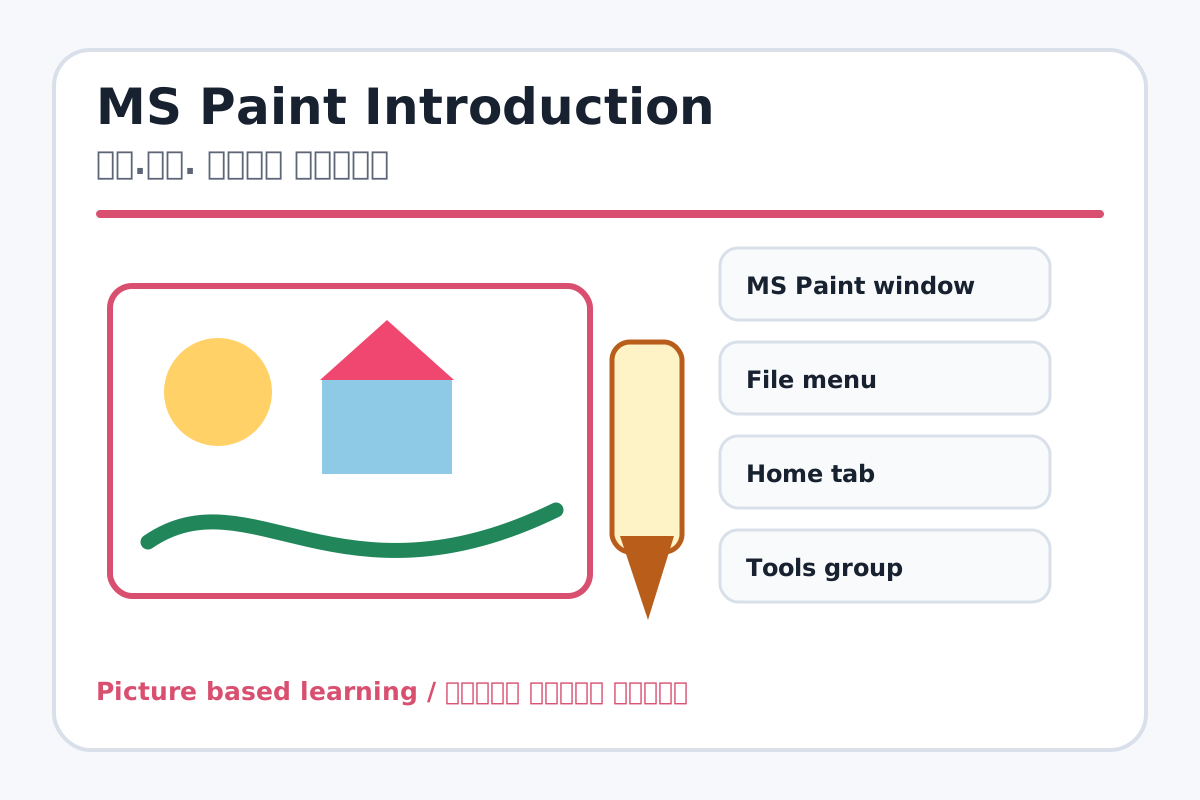
MS Paint Introduction topic visual / एम.एस. पेंट परिचय चित्र
Chapter image shows the exact topic parts for visual learning. / Chapter image में topic के parts साफ दिखाए गए हैं.

Tool Heading & Description / टूल शीर्षक और विवरण

MS Paint window

MS Paint window is used for drawing, coloring, editing, or designing in MS Paint.

MS Paint window MS Paint में drawing, coloring, editing या designing के लिए use होता है.

File menu

File menu helps organize, store, find, or manage computer files and folders.

File menu computer files और folders को organize, store, find या manage करने में help करता है.

Home tab

Home tab is part of the Word working window used to create and edit documents.

Home tab Word working window का part है जिससे documents create और edit किए जाते हैं.

Tools group

Tools group is part of the Word working window used to create and edit documents.

Tools group Word working window का part है जिससे documents create और edit किए जाते हैं.

Brushes

Brushes is used for drawing, coloring, editing, or designing in MS Paint.

Brushes MS Paint में drawing, coloring, editing या designing के लिए use होता है.

Learning Objectives / सीखने के लक्ष्य

  • Open MS Paint and identify the interface.
  • Explain canvas, ribbon, tools, brushes, shapes, and colors.
  • Create a simple drawing using basic tools.

Theory / Meaning / अर्थ

English MeaningMS Paint is a simple drawing and basic image editing software.

Hindi MeaningMS Paint एक आसान drawing और basic image editing software है.

Uses / उपयोग

  • Drawing pictures and diagrams.
  • Coloring shapes and making posters.
  • Writing text on images and doing simple image editing.

Step-by-Step Teaching / पढ़ाने के स्टेप्स

  1. Open MS Paint from Start menu or search box.
  2. Show the canvas area where drawing is made.
  3. Point out File menu, Home tab, Tools, Brushes, Shapes, and Colors.
  4. Use Pencil to draw a line, Fill Color to color a shape, and Text to write a title.
  5. Save the drawing with a simple name.

Teacher Explanation Notes / शिक्षक नोट्स

  • Tell students that Paint is best for practice, diagrams, and simple posters.
  • Use large shapes first so filling color is easy.

Practical Work / प्रैक्टिकल कार्य

  • Draw a sun, house, tree, and write My First Drawing.
  • Save the file in the Paint folder.

Homework / गृहकार्य

  • Write five uses of MS Paint.
  • Draw and label the Paint interface in notebook.

Short Test Questions / छोटे टेस्ट प्रश्न

  1. What is MS Paint?
  2. Where do we draw in Paint?
  3. Which tab has tools and shapes?
  4. Which tool writes text?
  5. Why do we save a drawing?

Viva Questions / मौखिक प्रश्न

  1. Canvas kya hota hai?
  2. Paint me color bharne ke liye kaunsa tool hai?
  3. File menu ka use kya hai?

Real Image + Image Prompt / वास्तविक चित्र + इमेज प्रॉम्प्ट

MS Paint Introduction educational image / एम.एस. पेंट परिचय educational image
Suggested file: ms-paint-interface.jpg | सुझाया गया file name: ms-paint-interface.jpg

Create an educational screenshot-style image of MS Paint interface with labels: File Menu, Home Tab, Tools Group, Brushes, Shapes, Colors, Canvas. Use Hindi and English labels.