Chapter 32 MS Excel English + Hindi

Excel Invoice Project

एक्सेल इनवॉइस प्रोजेक्ट

Excel Invoice Project

एक्सेल इनवॉइस प्रोजेक्ट

An invoice or shop bill records items, quantity, rate, amount, total, discount, tax, and final payable amount. This chapter connects the topic with classroom explanation, real examples, and hands-on practice.

Invoice या shop bill में items, quantity, rate, amount, total, discount, tax और final payable amount लिखा जाता है. इस chapter में topic को classroom explanation, real examples और hands-on practice से समझाया गया है.
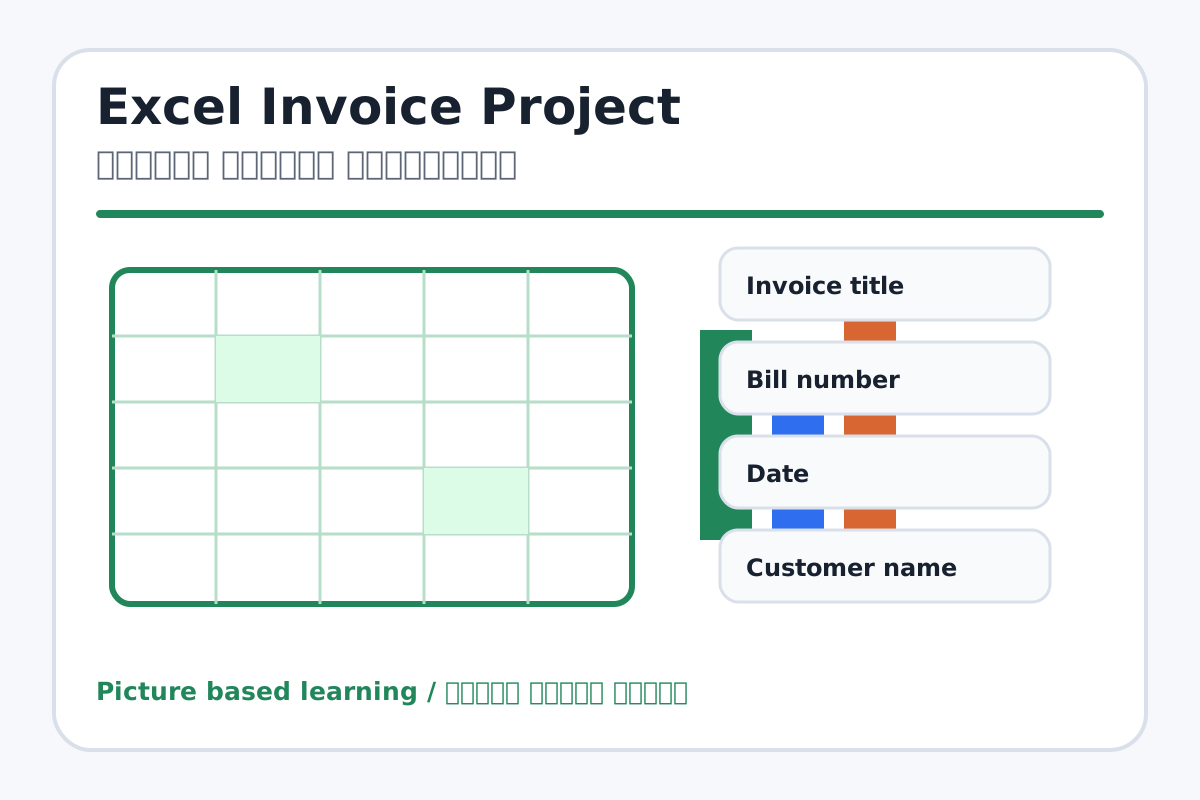
Excel Invoice Project topic visual / एक्सेल इनवॉइस प्रोजेक्ट चित्र
Chapter image shows the exact topic parts for visual learning. / Chapter image में topic के parts साफ दिखाए गए हैं.

Tool Heading & Description / टूल शीर्षक और विवरण

Invoice title

Invoice title controls paragraph layout, lists, spacing, borders, or document styles.

Invoice title paragraph layout, list, spacing, border या document style control करता है.

Customer name

Customer name is a main point of Excel Invoice Project and should be understood before practical work.

Customer name Excel Invoice Project ka main point hai; practical se pehle iska meaning samajhna zaroori hai.

Item

Item is a main point of Excel Invoice Project and should be understood before practical work.

Item Excel Invoice Project ka main point hai; practical se pehle iska meaning samajhna zaroori hai.

Amount

Amount is a main point of Excel Invoice Project and should be understood before practical work.

Amount Excel Invoice Project ka main point hai; practical se pehle iska meaning samajhna zaroori hai.

Grand Total

Grand Total is a main point of Excel Invoice Project and should be understood before practical work.

Grand Total Excel Invoice Project ka main point hai; practical se pehle iska meaning samajhna zaroori hai.

Learning Objectives / सीखने के लक्ष्य

  • Create a simple shop bill/invoice.
  • Calculate amount, total, discount/tax, and grand total.
  • Format the invoice for printing.

Theory / Meaning / अर्थ

English MeaningAn invoice or shop bill records items, quantity, rate, amount, total, discount, tax, and final payable amount.

Hindi MeaningInvoice या shop bill में items, quantity, rate, amount, total, discount, tax और final payable amount लिखा जाता है.

Uses / उपयोग

  • Shop bill format.
  • Simple business calculation practice.
  • Learning multiplication and totals in Excel.

Step-by-Step Teaching / पढ़ाने के स्टेप्स

  1. Create invoice heading with shop name.
  2. Add bill number, date, and customer name.
  3. Create item table with Quantity, Rate, and Amount.
  4. Use formula Quantity*Rate for each item amount.
  5. Use SUM for subtotal.
  6. Add discount or tax if required and calculate grand total.
  7. Format borders, currency, and print area.

Teacher Explanation Notes / शिक्षक नोट्स

  • Use small numbers first so students can mentally verify formulas.
  • Explain invoice as a real-life Excel use in shops.

Practical Work / प्रैक्टिकल कार्य

  • Create a simple invoice for 5 items with quantity, rate, amount, subtotal, and grand total.
  • Save as Shop Bill.xlsx.

Homework / गृहकार्य

  • Collect a sample bill format from home/shop and observe columns.
  • Write formulas for amount and total.

Short Test Questions / छोटे टेस्ट प्रश्न

  1. What is invoice?
  2. How do we calculate amount?
  3. What is subtotal?
  4. What is grand total?
  5. Why use currency format?

Viva Questions / मौखिक प्रश्न

  1. Quantity aur Rate multiply karke kya milta hai?
  2. Invoice me date kyon hoti hai?
  3. Grand total ka matlab kya hai?

Real Image + Image Prompt / वास्तविक चित्र + इमेज प्रॉम्प्ट

Excel Invoice Project educational image / एक्सेल इनवॉइस प्रोजेक्ट educational image
Suggested file: ms-excel-interface.jpg | सुझाया गया file name: ms-excel-interface.jpg

Create an educational Excel invoice/shop bill image showing shop name, bill number, date, customer, item table, quantity, rate, amount, subtotal, discount, tax, grand total, and Hindi-English labels.